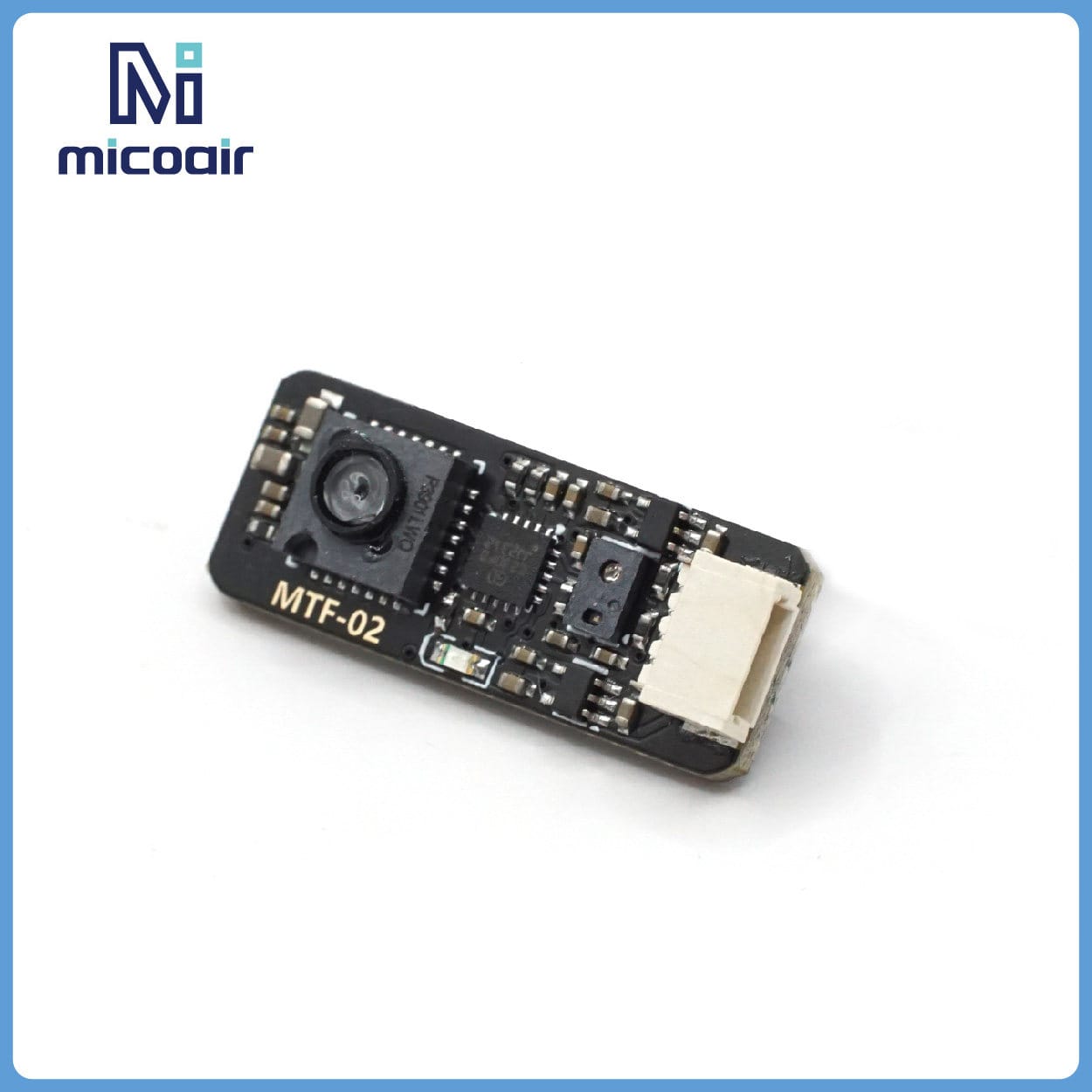
Support for Mainstream Open-Source Flight Controllers
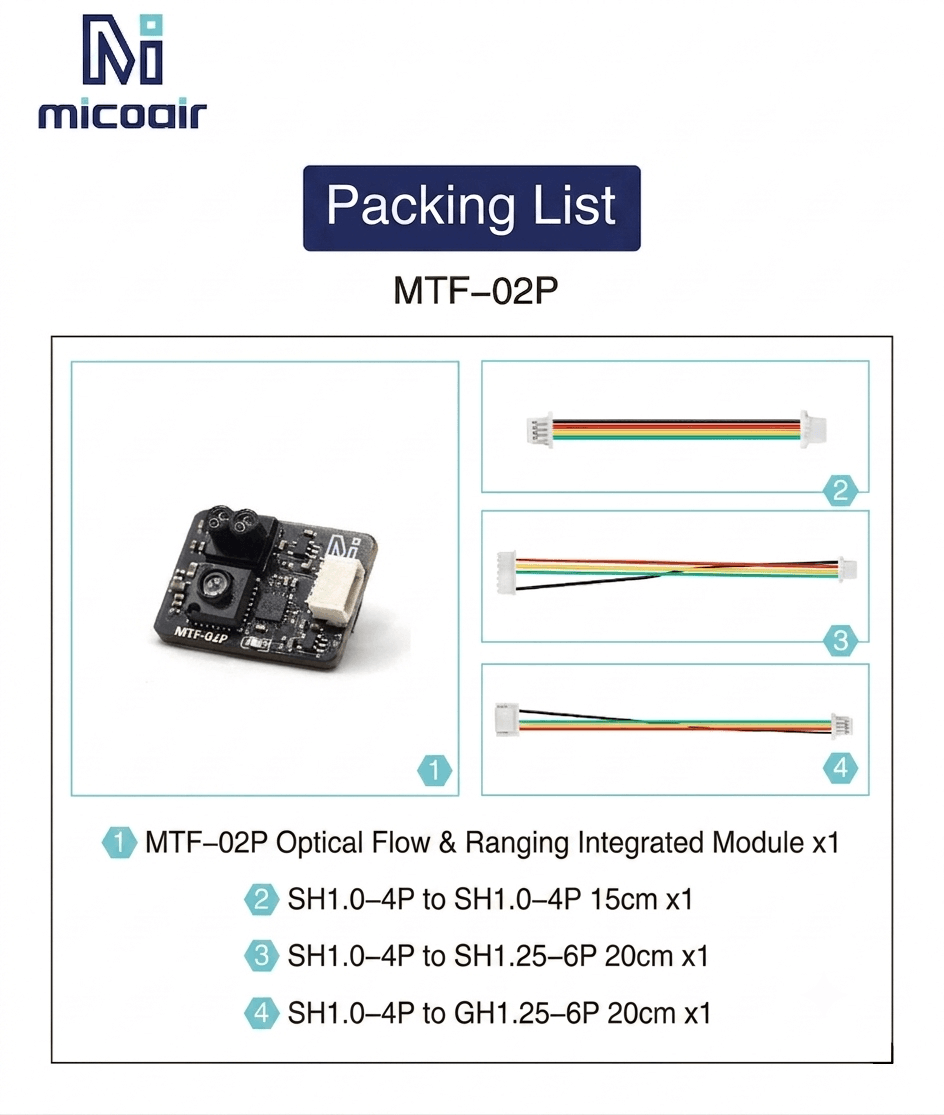
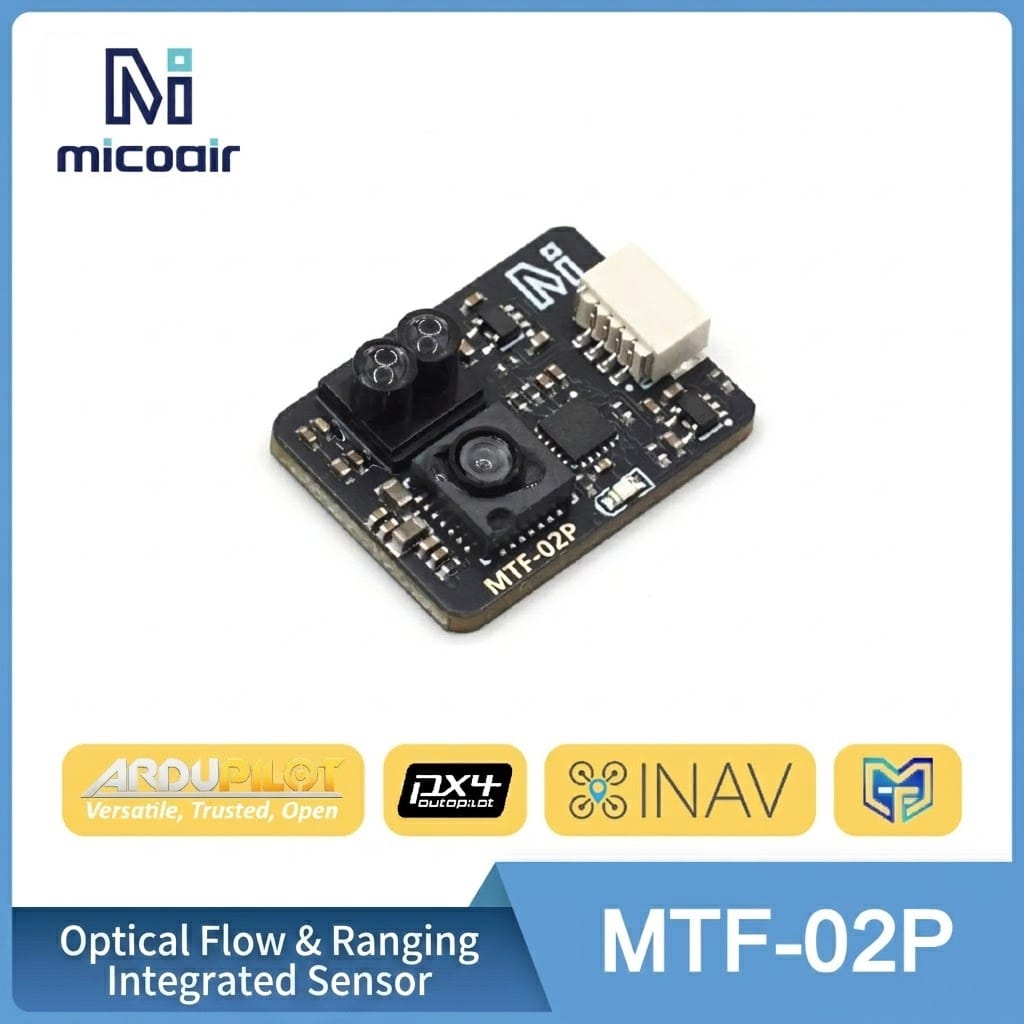
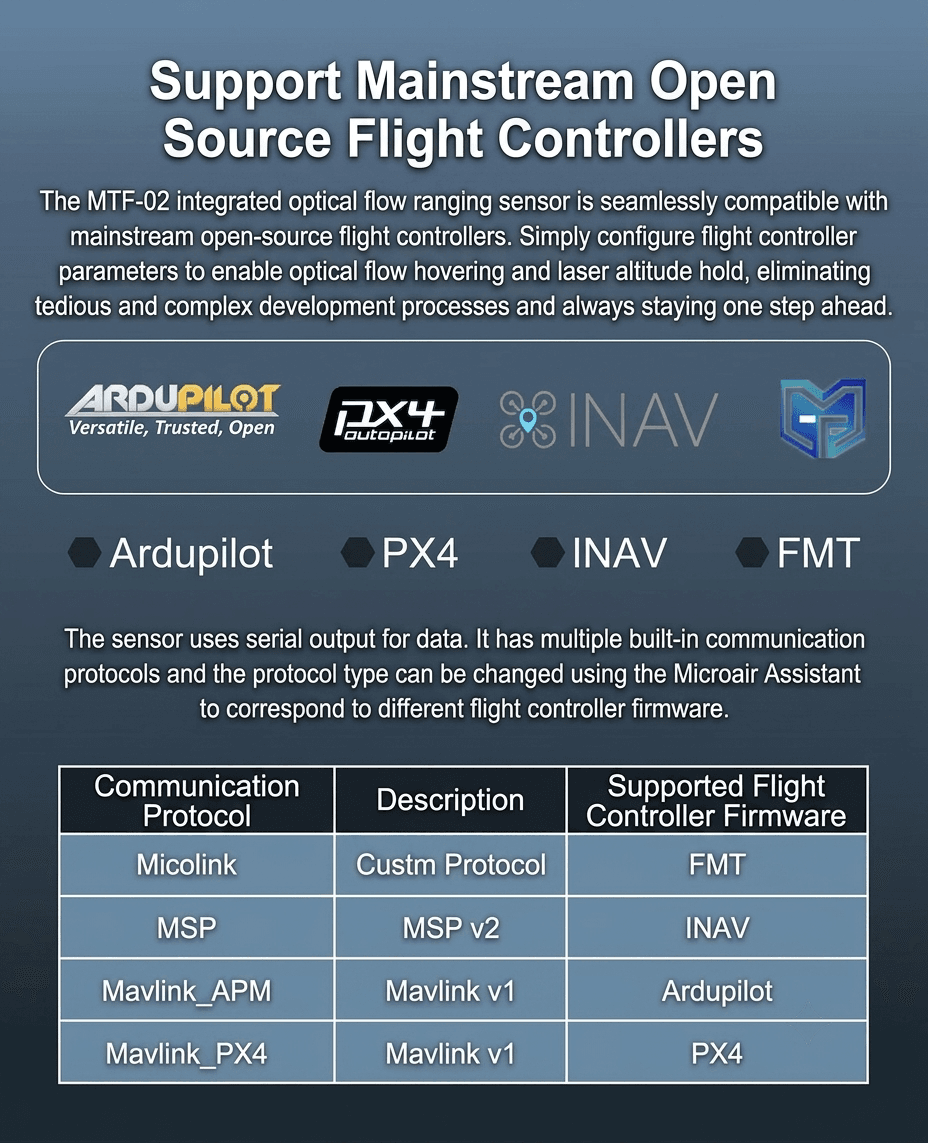
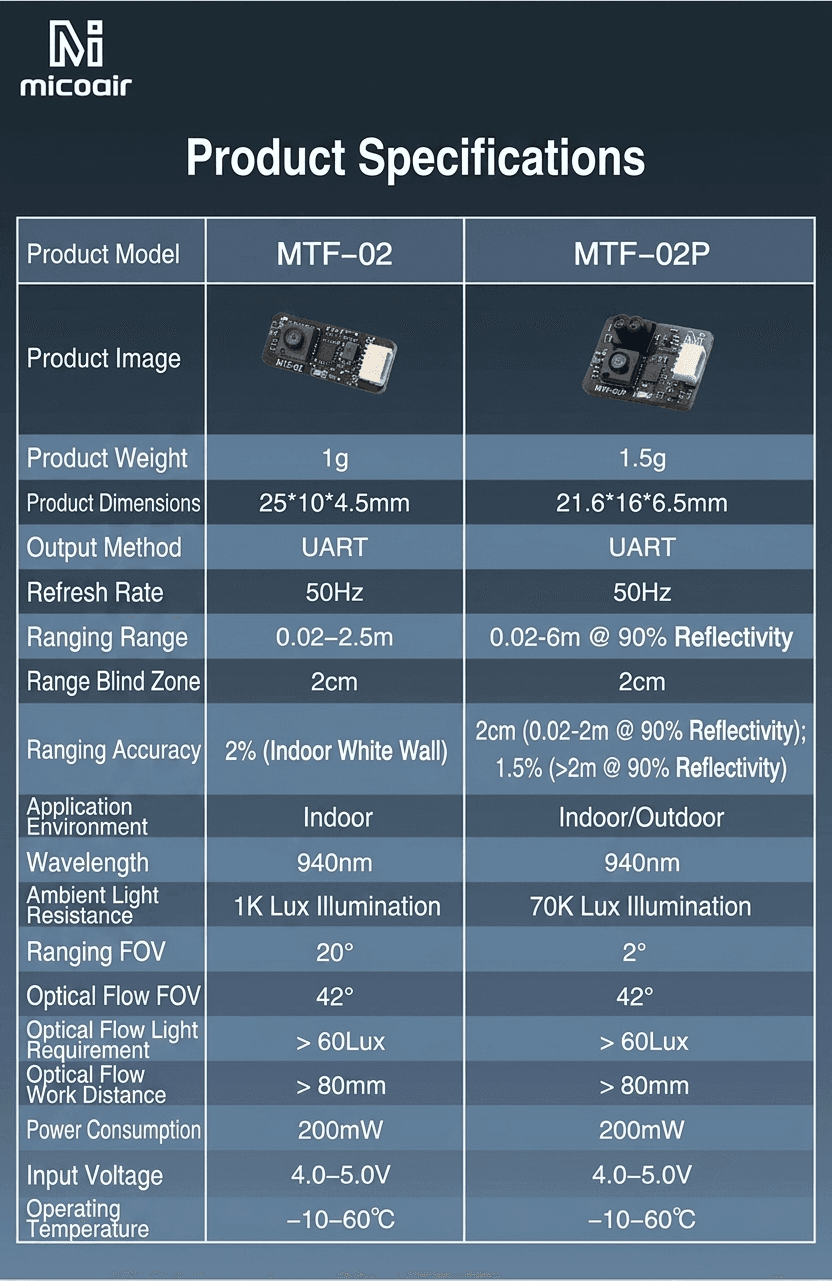
The MTF-02P integrated optical flow and ranging sensor works seamlessly with mainstream open-source flight controller firmware. Simply configure the relevant parameters on your flight controller to enable optical flow position hold and laser-based altitude hold, with no complex development needed. It outputs over UART and supports multiple built-in protocols, selected to match your firmware: Micolink (custom protocol) for FMT, MSP v2 for INAV, and Mavlink v1 for Ardupilot or PX4.
Longer Range, Indoor and Outdoor
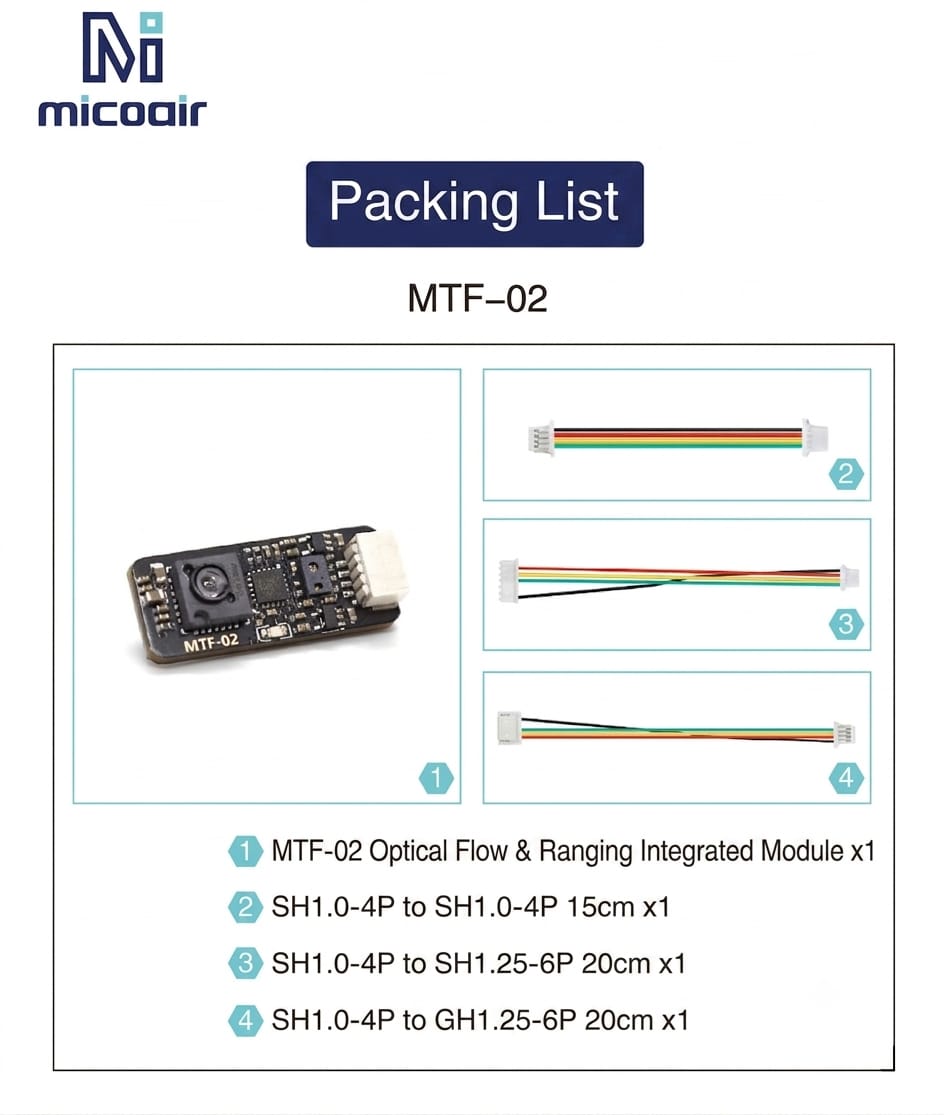
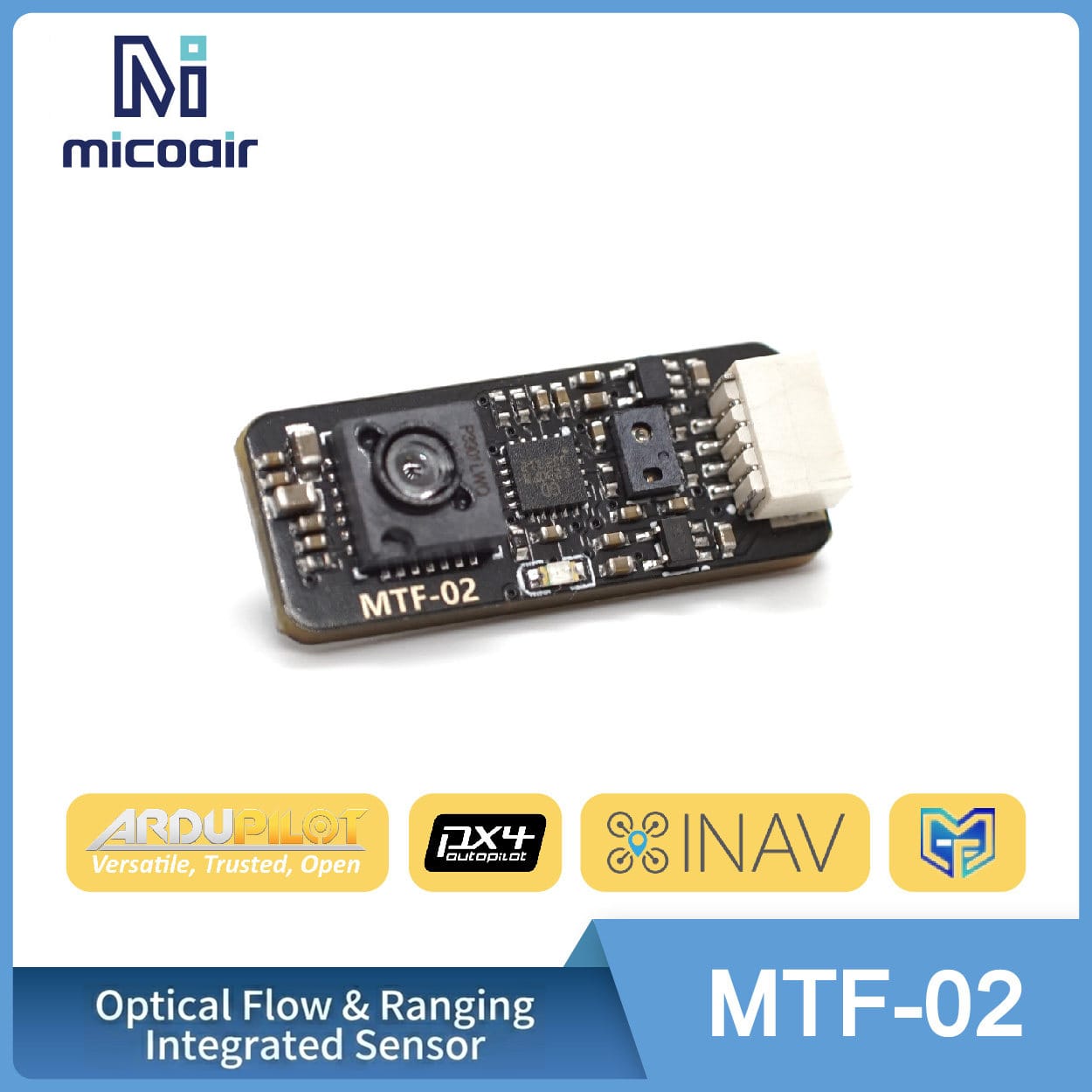
The MTF-02P builds on the original MTF-02 with extended outdoor capability. It ranges from 0.02–6m at 90% reflectivity, works in ambient light up to 70K Lux for reliable outdoor use, and pairs a narrower 2° ranging FOV with the same 42° optical flow FOV. Power draw is just 200mW at 4.0–5.0V input, with an operating range of −10°C to 60°C, all inside a 21.6 x 16 x 6.5mm, 1.5g module.
Compact Size, Simple 4-Pin Interface
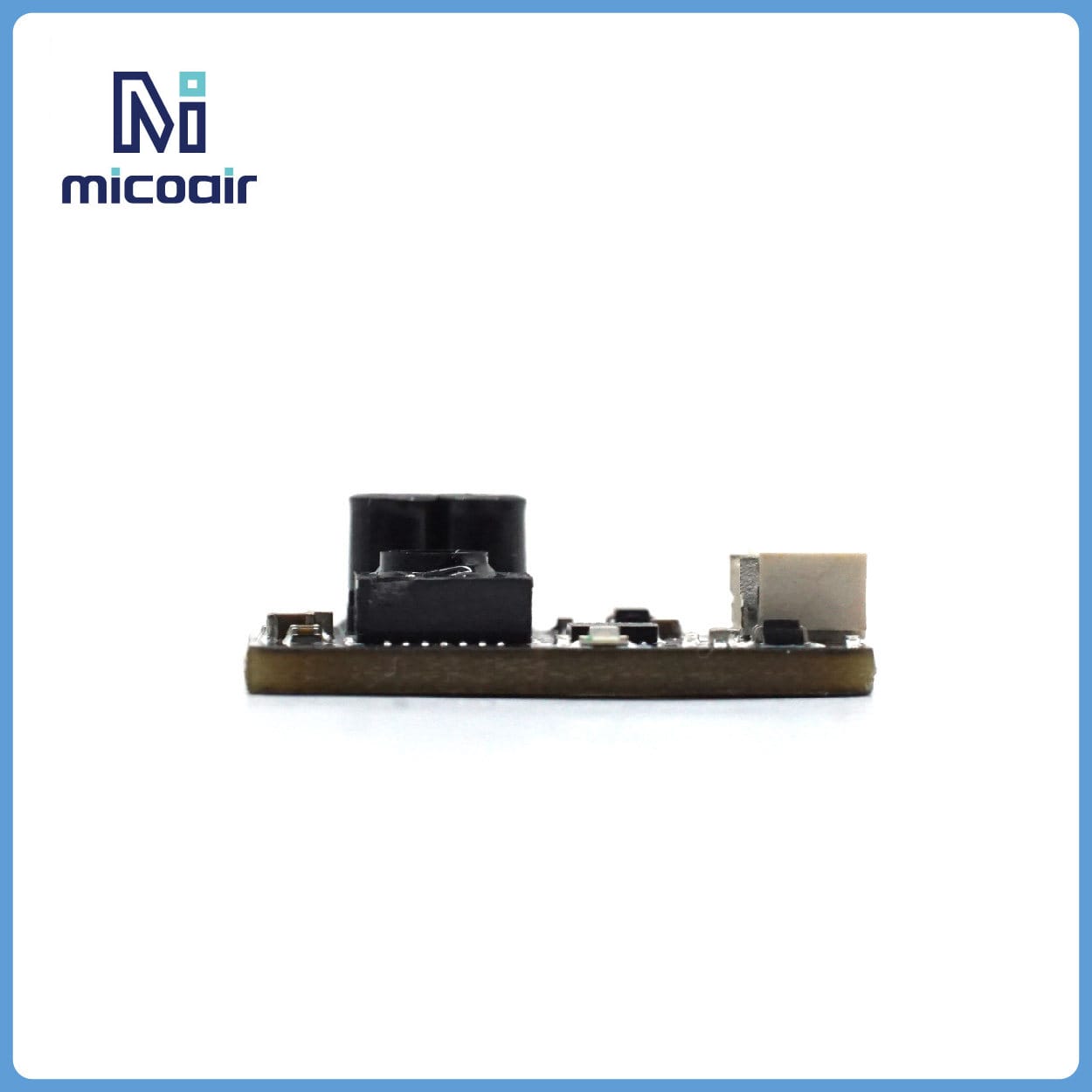
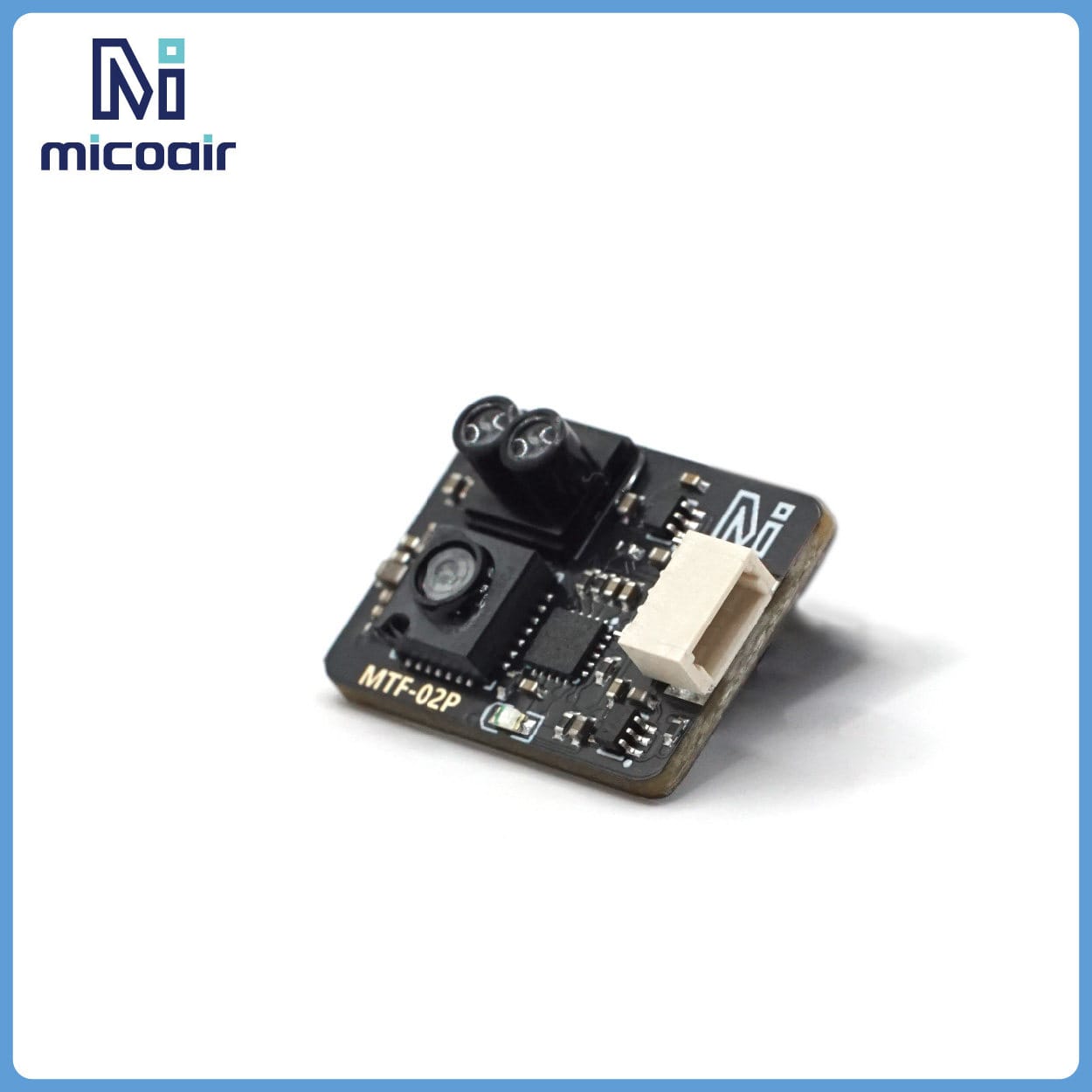
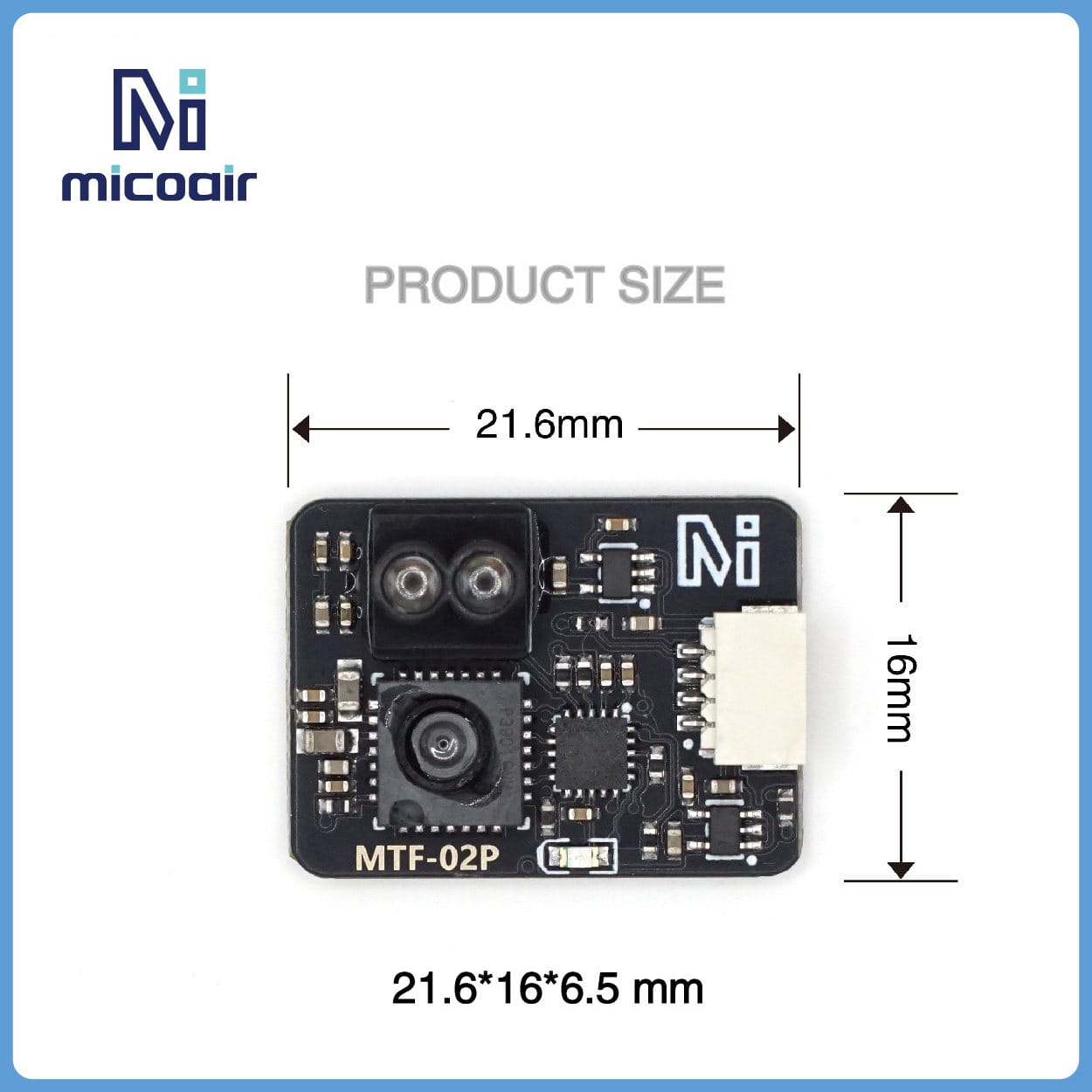
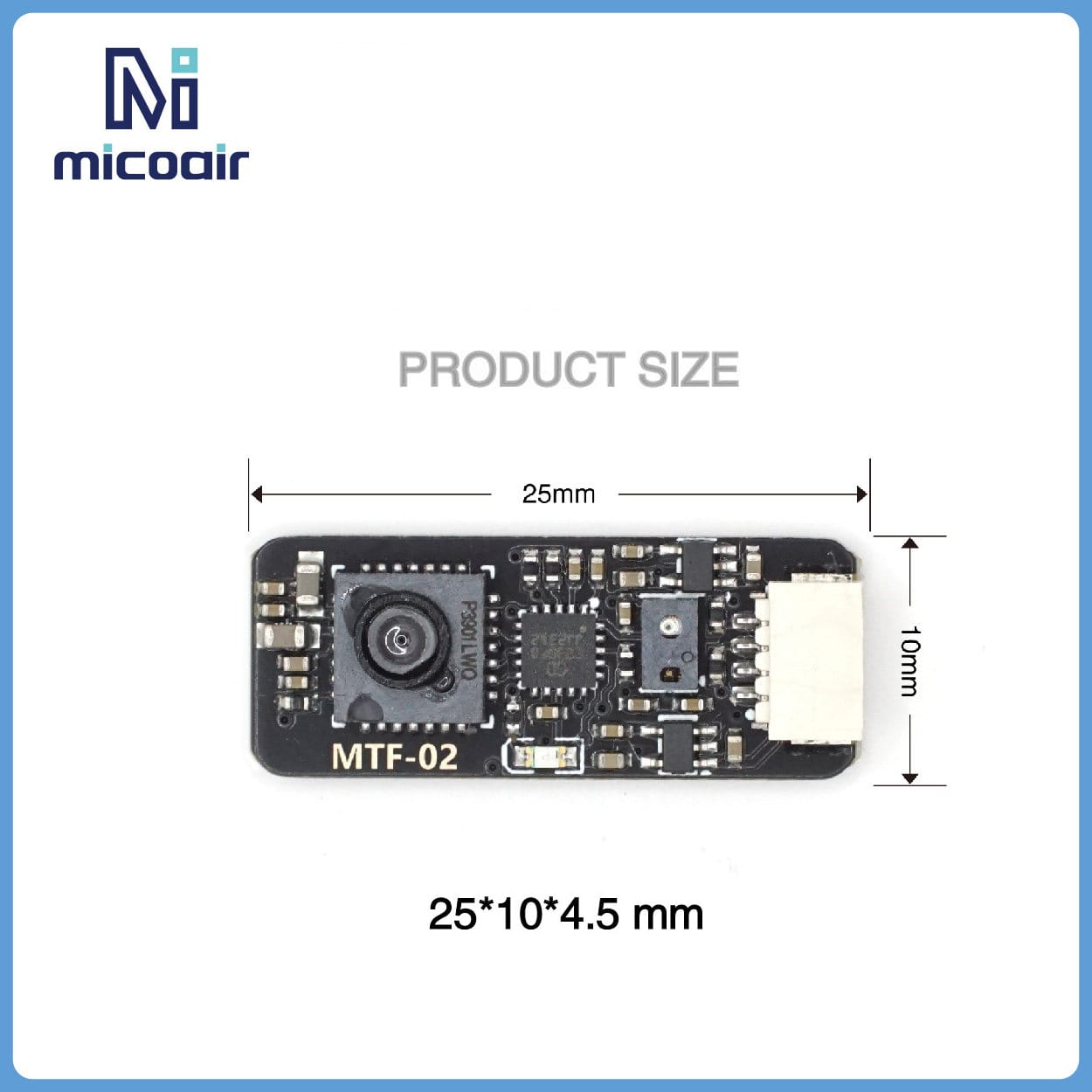
Measuring just 21.6 x 16 x 6.5mm and weighing 1.5g, the MTF-02P connects through a single 4-pin SH1.0 connector carrying Tx, Rx, 5V and GND. Wire Tx to your flight controller’s serial Rx, Rx to the FC’s serial Tx, and power the module directly from a 5V rail.
Flexible Firmware Protocol Switching
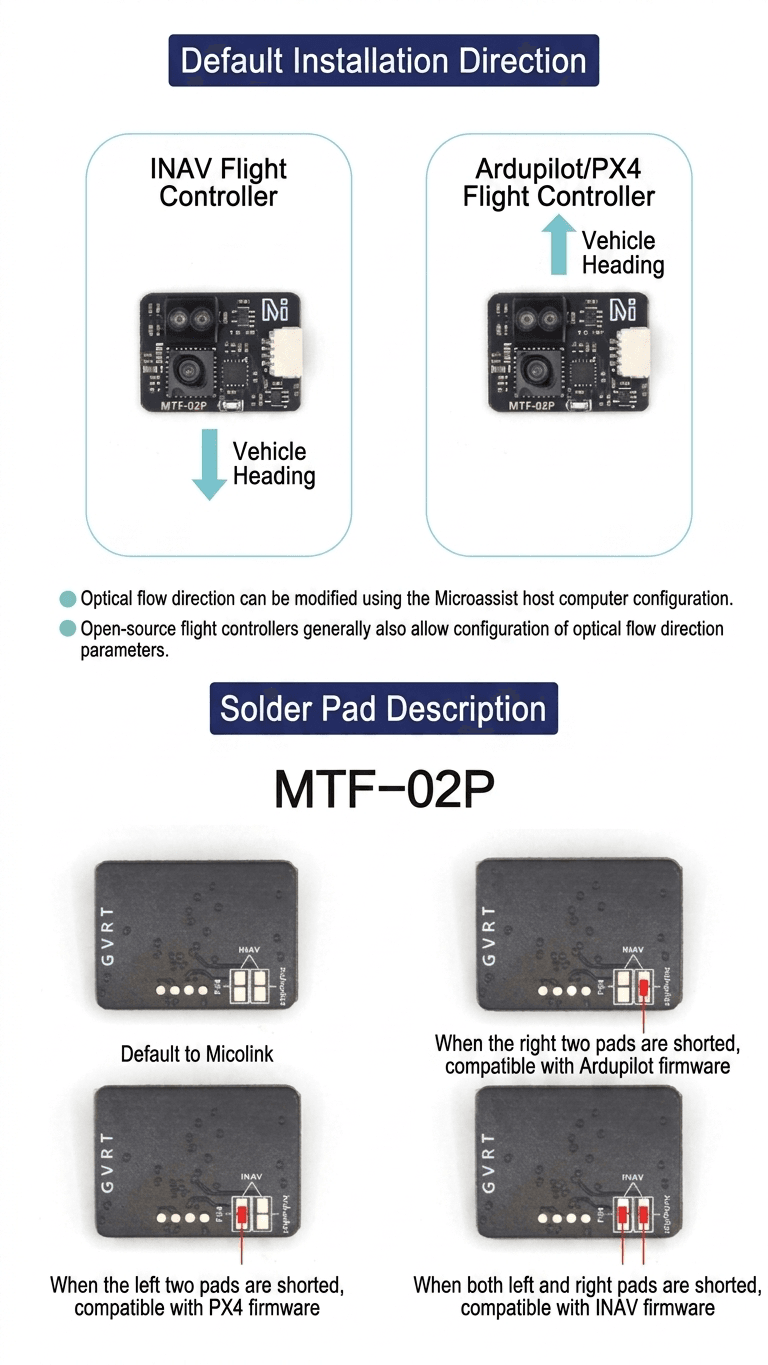
Every MTF-02P ships set to AUTO protocol mode, which automatically adapts to Ardupilot, PX4 and INAV flight controller firmware with no manual setup required. If needed, the protocol can also be switched manually by shorting the solder pads on the back of the board — left pads for PX4, right pads for Ardupilot, both for INAV (default is Micolink) — or set through the Micoair Assistant software, which takes priority over the solder pad setting. Mounting orientation also differs slightly by firmware: INAV expects the vehicle heading toward the connector side, while Ardupilot/PX4 expect it facing away; the optical flow direction can be corrected in software via Micoair Assistant or your flight controller’s own settings. For flight demos and a detailed optical flow setup tutorial, search “MTF-01” or “微空科技” (Micoair Technology) on Bilibili.
What’s in the Box